Welcome to GitStats documentation!







$ gitstats
📊 Generate insightful visual reports from Git.
📘 Documentation: gitstats.readthedocs.io 📊 GitStats Gallery: shenxianpeng.github.io/gitstats/gallery/
Example
gitstats . generates this gitstats report.
Check out the GitStats Gallery for live reports on the world’s largest open-source projects — auto-generated weekly.
Installation
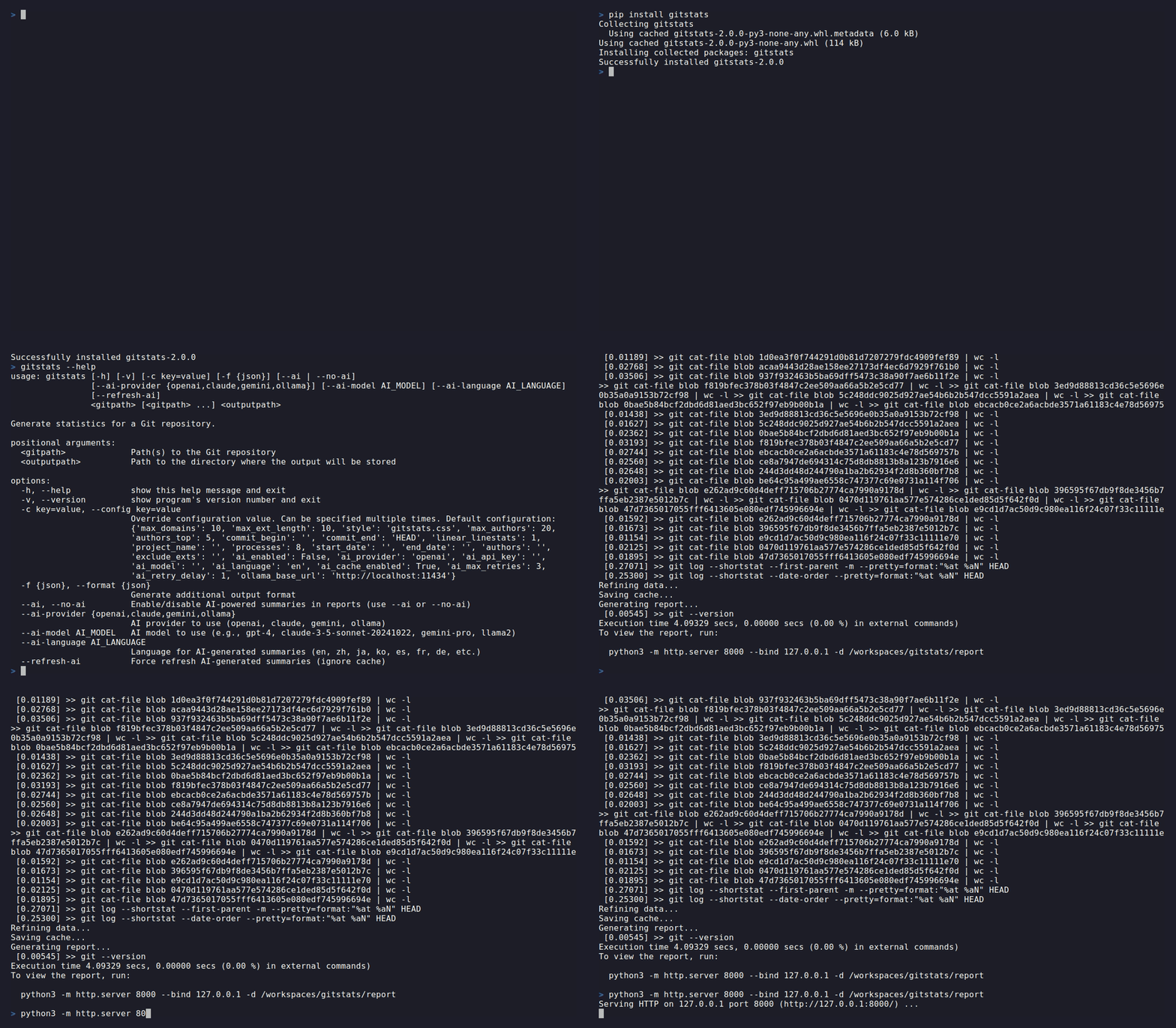
pip install gitstats
Or, using uv (recommended):
uv pip install gitstats      # install into current environment
uvx gitstats .              # run instantly, no install required
gitstats is compatible with Python 3.10 and newer.
Usage
gitstats <gitpath> [<outputpath>]
If <outputpath> is omitted, reports are written to gitstats-report/ by default.
Use --verbose to show debug-level command logs, or --quiet to show only warnings and errors:
gitstats --verbose .
gitstats --quiet .
Run gitstats --help for more options, or check the documentation.
GitHub Action
Automate your gitstats report generation with the official GitStats Action.
- uses: shenxianpeng/gitstats-action@v0.1.1
  with:
    deploy-to-pages: true
With just one uses line, the Action generates a full gitstats report and deploys it to GitHub Pages automatically.
See the gitstats-action repository for detailed inputs, examples, and advanced usage (AI-powered reports, custom config, manual deploy, etc.).
What’s New in v2.0.0
v2.0.0 is a major release focused on modernizing the report UI and removing the Gnuplot dependency.
- Terminal-inspired UI redesign
The entire report interface has been redesigned with a terminal / OpenCode-inspired aesthetic: zero border-radius (sharp, angular corners), monospace fonts in headings and navigation, border-heavy layout, and a GitHub-style green heatmap. Both light and dark modes are supported with a one-click toggle — no flash of unstyled content when switching pages.
- Chart.js replaces Gnuplot
All charts are now rendered interactively in the browser using Chart.js. Gnuplot is no longer required. Reports are fully self-contained HTML files.
Features
Here is a list of some features of gitstats:
General: total files, lines, commits, authors, age.
Activity: commits by hour of day, day of week, hour of week, month of year, year and month, and year.
Authors: list of authors (name, commits (%), first commit date, last commit date, age), author of month, author of year.
Files: file count by date, extensions.
Lines: line of code by date.
Tags: tags by date and author.
Customizable: config values through
gitstats.conf.Cross-platform: works on Linux, Windows, and macOS.
AI-Powered Features 🤖
GitStats supports AI-powered insights to enhance your repository analysis with natural language summaries and actionable recommendations.
Quick Start:
# Install with AI support
pip install gitstats[ai]

# Enable AI with OpenAI
export OPENAI_API_KEY=your-api-key
gitstats --ai --ai-provider openai <gitpath> [<outputpath>]
For detailed setup instructions, configuration options, and examples, see the AI Integration Documentation.
Getting Started
About